
Video To Text is an AI transcription tool that converts video and audio recordings into accurate, editable transcripts with timestamps and subtitle exports.
AI-powered video to text transcription
Turn any recording into a clean, searchable transcript
Video To Text converts your meetings, interviews, lectures, and video clips into accurate text, with timestamps, manual speaker labeling, auto language detection, and subtitle exports.
- 5 GB
- max file size per upload
- 100+
- languages with auto-detection
- TXT / SRT / VTT
- export formats for any workflow
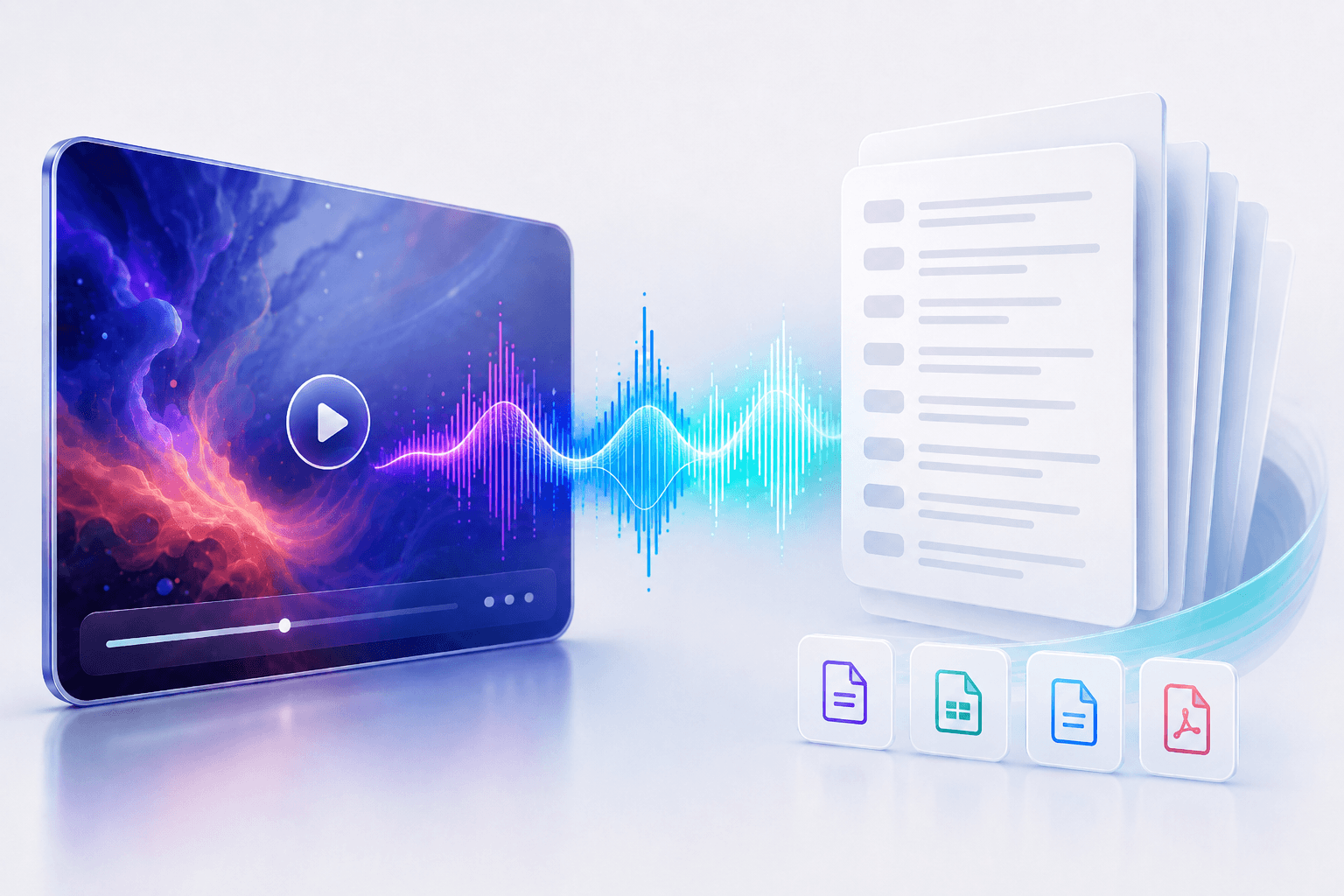
Three steps from recording to transcript
The process is straightforward: upload your file, review the transcript, and export. No complicated setup, no steep learning curve.
01
Upload your file
Drag and drop any video or audio file. Supported formats include MP4, MOV, WEBM, MKV, MP3, WAV, M4A, AAC, and FLAC, up to 5 GB per file.
02
Review your transcript
Read through timestamped segments, add speaker labels when needed, and play back the original media to fix any mistakes right in the editor.
03
Export what you need
Download your transcript as plain text, SRT subtitles, VTT captions, or structured data ready to drop into your next tool.
Everything you need in a video to text workspace
Video To Text gives you accurate transcription, timestamps, multilingual support, and subtitle exports without the bloat of a full editing suite.
Accurate transcription
AI-powered speech recognition turns spoken words into clean, readable text you can edit and share right away.
Timestamped segments
Every line links back to the exact moment in your recording. Click any segment to jump straight to that point.
Subtitle exports
Generate SRT and VTT files for tutorials, course videos, social clips, and podcasts with one click.
100+ language support
Let Video To Text detect the language automatically, or pick one upfront for faster, more consistent results.
In-browser editor
Search by keyword, correct mistakes, and manually label speakers directly in the transcript before you export.
Secure by default
Your uploads and transcripts stay private inside your account. Only you can access them.
Built for the work you actually do
Whether you're capturing decisions, creating content, or building a knowledge base, Video To Text turns recordings into something you can use.
Meetings
Never lose a decision again
Transcribe calls, interviews, sales demos, and research sessions so every detail is searchable. No more rewriting notes from memory.
Creators
Get more out of every video
Turn one recording into subtitles, blog posts, newsletters, and social quotes, all from a single transcript.
Education
Make every lesson accessible
Transcribe lectures, webinars, workshops, and training videos so students can search, study, and revisit key moments anytime.
Add video to text transcription directly to your product
The Video To Text API handles uploads, transcription, and timestamped results so you don't have to build the pipeline yourself. Submit a file, poll for status, and get structured text back.
Simple API key setup
Generate and manage API keys from your account dashboard and start making requests in minutes.
Reliable media uploads
Submit audio or video files via a straightforward upload endpoint built for production use.
Async processing
Long recordings run in the background. Poll for status or set up a callback to be notified when the transcript is ready.
Structured transcript output
Get back clean, timestamped text you can use for captions, search indexes, review UIs, or content pipelines.