
- Published on
How to Convert Video to Text with AI?
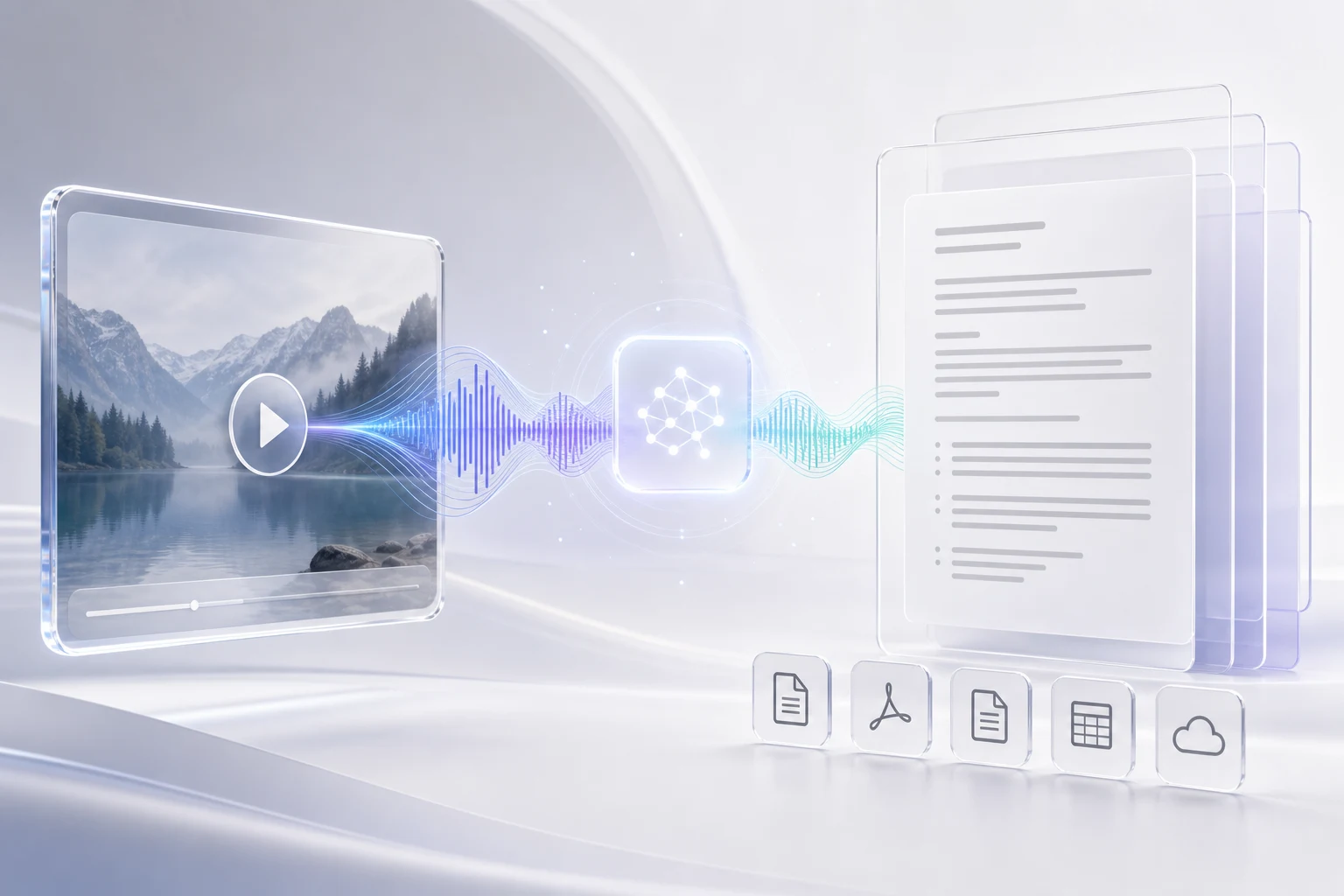
Video is great for watching. Text is better for searching, editing, quoting, translating, and sharing.
With an AI transcription tool, you can turn a video into a clean transcript in a few steps. Here is the simple workflow.
1. Upload Your Video
Start with the original video file whenever possible. A clear source file gives the AI more audio detail to work with.
Video To Text supports common video and audio files, so you can upload a meeting recording, interview, lecture, course video, podcast clip, or short social video.
2. Choose the Language
If you are not sure which language is used in the file, keep language detection on Auto.
If the video is mostly in one language, selecting it before transcription can make the result more consistent, especially for names, accents, and repeated terms.
3. Generate the Transcript
After upload, the AI listens to the audio track and converts speech into text.
The result is split into timestamped segments, so each line stays connected to the moment it came from. This makes review much faster than working with one long block of text.
4. Review and Edit
AI transcription is fast, but a quick review is still useful.
Check names, product terms, numbers, and any section with background noise or overlapping speakers. If your transcript includes speaker labels, rename them into clear names before sharing the final version.
5. Export the Right Format
Choose the export format based on what you want to do next:
- TXT is best for notes, summaries, articles, and knowledge bases.
- SRT is best for subtitles in many video editing and publishing tools.
- VTT is useful for web captions and online video players.
A transcript can become much more than a written copy of a video. It can become captions, a blog draft, meeting notes, search content, training material, or customer support documentation.
Tips for Better Results
Use clear audio when you can. Keep microphones close to speakers, avoid heavy background noise, and make sure the file actually includes an audio track.
For long recordings, review the transcript section by section. For public content, always check the final text before publishing.
Final Thought
Converting video to text with AI saves time because it gives you a structured draft immediately. The best workflow is simple: upload the video, generate the transcript, review the important details, and export the format your next tool needs.
- Authors

- Name
- Video To Text
- Website
- Video To Text